Buying · 5 min read
The House Is Smart. Will Everything Still Work After Closing?
Smart locks, cameras and thermostats need a handoff plan, not just a box of remotes.
 By Simon Mandell
November 21, 2026
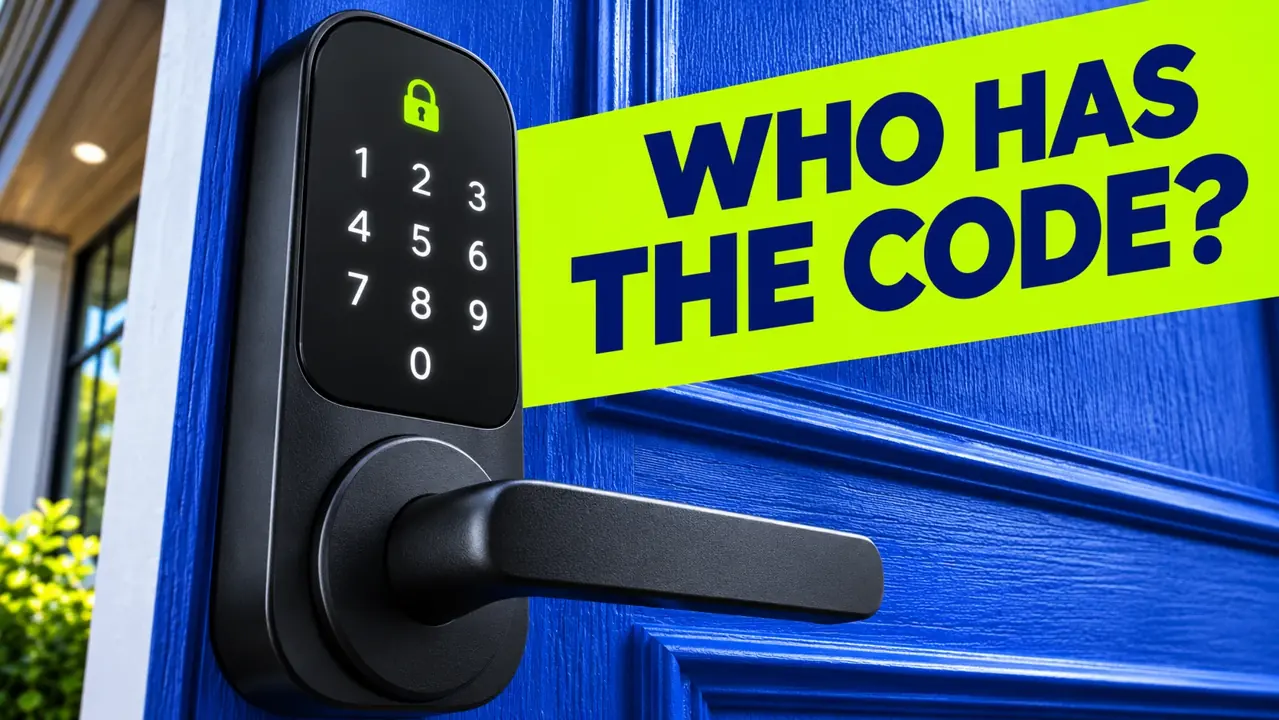
The seller opens the front door with a phone, changes the temperature from the kitchen, and pulls up the driveway camera without getting off the couch. It all looks convenient.
Then you buy the house. The seller disconnects the internet, takes the hub they forgot to mention, and the doorbell still belongs to their account.
That is an example of what we want to prevent, not a story about a particular client. A smart home needs a handoff plan just like the keys do. The equipment being physically attached to the house does not answer whether you will have control of it when you move in.
I would start before the offer, while we can still put the expectations in writing.
What are you actually getting?
Walk through the home and make a list: thermostats, door locks, garage controls, cameras, doorbells, irrigation controls, lighting, security equipment and any hub that ties them together. The Federal Trade Commission recommends identifying connected devices and leaving their manuals for the buyer. Some equipment is less obvious than the screen mounted on the wall.
From there, I want the contract to be clear about what stays and what goes. I would not assume the portable hub stays because the smart light switches do, or that an alarm panel means the monitoring service is included. Have your agent resolve inclusions and exclusions through the actual contract rather than relying on a showing conversation.
Ask who owns the equipment, whether anything is leased, and whether a subscription is needed for the feature you liked. A camera offering a live view and a camera retaining recordings are not necessarily the same purchase. Get the current terms from the provider. A seller’s monthly payment is not a promise of your future price or eligibility.
Here is a practical question: if you do not want to use the app, can you still unlock the door, adjust the heat and open the garage? Have the seller demonstrate the ordinary controls and identify any backup key or access method. You should understand that before your first night in the home.
A password on a sticky note is not the whole handoff
The FTC advises removing the seller’s administrative access and personal information, resetting devices, and letting buyers establish their own accounts. It also recommends reviewing warranties and ongoing support. A device that works today may not have the same support available throughout your ownership.
But the exact transfer procedure depends on the model. Google’s moving guide, for example, describes removing certain devices from an account and performing a factory reset; instructions differ among its products. That is why I would use the manufacturer’s current directions instead of treating one reset button as a universal solution.
I do not want buyers inheriting a seller’s personal email login, recordings, or family account. I also do not want the seller retaining unintended access to the home after possession changes. Agree on the timing of account removal and resets, and coordinate it with the agreed possession date. If the seller will remain temporarily after closing, that timing deserves its own conversation.
At the walkthrough, review what can reasonably be tested before the internet and accounts change. A device operating on the seller’s network shows its current operation; it does not prove the buyer’s account is ready. Write down the remaining transfer steps, who is responsible, and when they will be completed. If something is missing or does not work, involve your agent before closing rather than assuming an informal promise will take care of it.
Once you take possession, use your own account credentials, change default passwords, turn on available two-factor authentication, and install current updates. Those are FTC security recommendations, along with protecting the home’s router and reviewing device permissions. Manufacturer support or a qualified installer can help with a system you do not understand.
If you are selling a connected home, send me a list of the devices you plan to leave. We can turn it into a clear equipment-and-transfer checklist before the first offer, so the buyer knows what they are getting and you know what needs to happen before you hand over the keys.
Sources checked November 21, 2026: FTC guidance for buying or selling a smart home; FTC connected-device security guidance; Google Home and Nest moving guide. Manufacturer instructions are included as a transfer example, not an endorsement.
Every property and situation is different. These articles offer general considerations, not a property-specific valuation or a guarantee of results.
Explore more stories ↗Have a home or a question in mind?
Tell me where you are looking or selling, your timeline, and what you need help deciding.
Call Simon: 678-227-8749Text Simon: 678-227-8749 ↗